HDMI 1.4, 2.0, 2.1 and 2.2: Versions and Cable Speeds
HDMI 1.4, 2.0, 2.1 and 2.2 compared: bandwidth, resolutions, refresh rates, eARC and VRR. Learn why cables are rated by speed, not version.
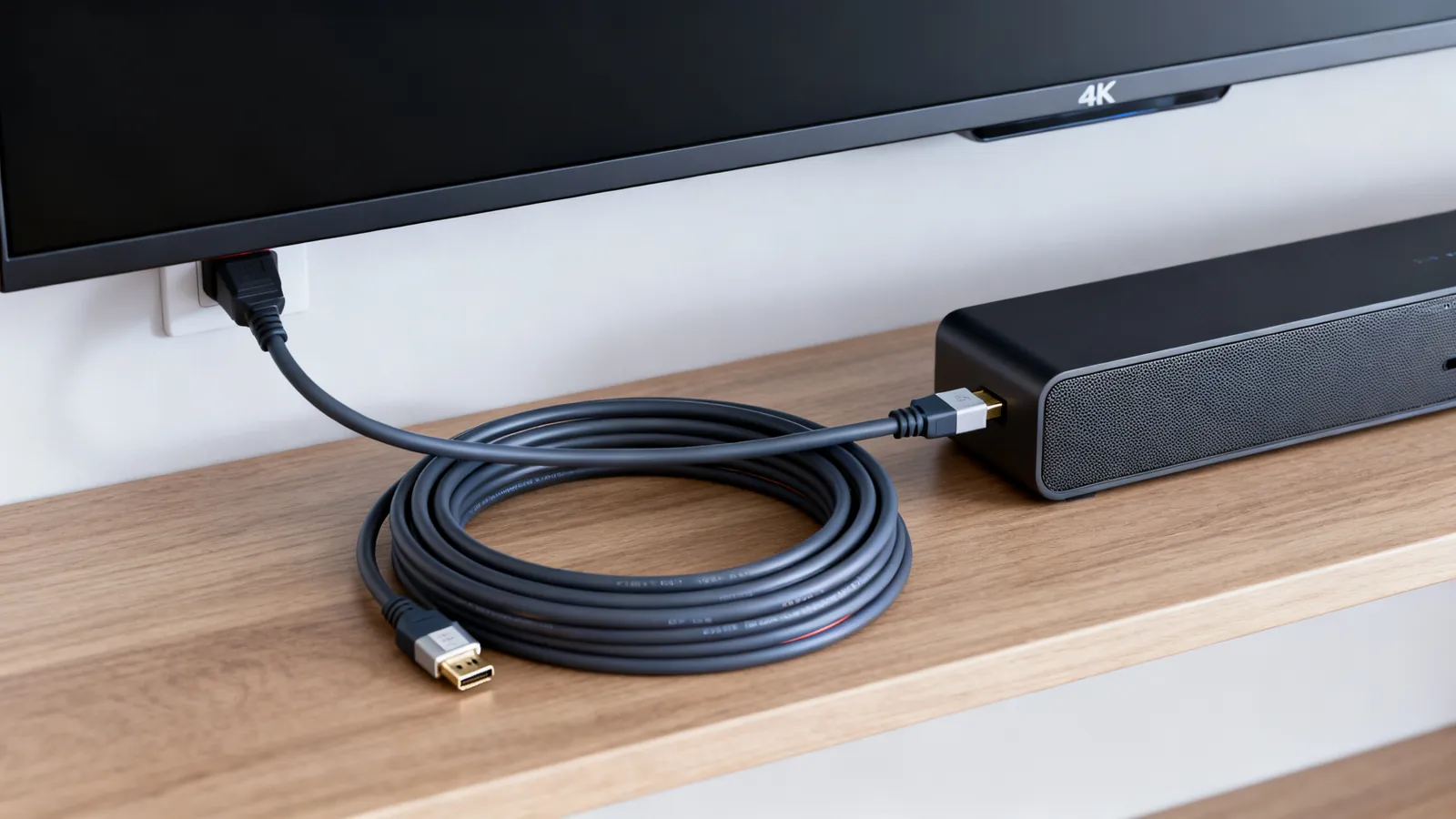
HDMI versions describe what the ports on your equipment can do. The cable is a separate matter: it is rated by speed, not by a version number. A cable labelled “HDMI 2.1” is mislabelled. To get a specific feature, both the source and the display must support it, and the cable must be fast enough to carry the signal.
What each HDMI version added
HDMI 1.4 (2009)
Bandwidth: 10.2 Gbps. Supports 4K at 30 Hz. Introduced ARC (Audio Return Channel) and the HDMI Ethernet Channel. ARC lets a TV send audio back to a soundbar or receiver over the same cable, carrying stereo PCM and compressed 5.1 formats such as Dolby Digital and DTS.
HDMI 2.0 (2013)
Bandwidth: 18 Gbps. Supports 4K at 60 Hz. HDR was added in HDMI 2.0a. This is the version that made 4K at 60 Hz practical for home theatre.
HDMI 2.1 (2017)
Bandwidth: 48 Gbps. Supports 4K at 120 Hz and 8K at 60 Hz. Adds eARC (enhanced Audio Return Channel), VRR (Variable Refresh Rate) and ALLM (Auto Low Latency Mode). eARC carries uncompressed multichannel PCM (up to 8 channels) and lossless formats such as Dolby TrueHD, DTS-HD Master Audio and Dolby Atmos within them, at up to 37 Mbps. eARC uses the HDMI Ethernet Channel wires, so it needs a High Speed cable with Ethernet or an Ultra High Speed cable.
HDMI 2.2 (announced 2025)
Bandwidth: 96 Gbps. Requires the new Ultra96 cables. This version is for future displays and sources that need more than 48 Gbps.
Cables are certified by speed, not version
HDMI cables are tested and certified by their maximum bandwidth. The version number on a cable package is not a reliable guide. The official cable categories are:
| Cable category | Bandwidth | Typical resolutions |
|---|---|---|
| Standard | — | 720p, 1080i |
| High Speed | 10.2 Gbps | 1080p, 4K at 30 Hz |
| Premium High Speed | 18 Gbps | 4K at 60 Hz, HDR |
| Ultra High Speed | 48 Gbps | 4K at 120 Hz, 8K at 60 Hz |
| Ultra96 | 96 Gbps | Future 8K and beyond |
Premium High Speed and Ultra High Speed cables carry a certification label with a QR code that the official HDMI Cable Certification app verifies. For a detailed breakdown of each cable type, see HDMI cable types: Standard, High Speed, Premium and Ultra High Speed.
Which HDMI version do you need for 4K 120 Hz?
You need HDMI 2.1 ports on both the source and the display, and an Ultra High Speed (48 Gbps) cable. HDMI 2.0 does not have the bandwidth for 4K at 120 Hz. If you have a 4K 120 Hz TV and a compatible game console or graphics card, use an Ultra High Speed cable to carry the signal.
For 4K at 60 Hz, HDMI 2.0 and a Premium High Speed (18 Gbps) cable are sufficient. For 1080p or 4K at 30 Hz, a High Speed (10.2 Gbps) cable works.
HDMI 2.0 vs 2.1: what changes
The jump from HDMI 2.0 to 2.1 is mainly about bandwidth and features that need it:
- 4K at 120 Hz and 8K at 60 Hz require 48 Gbps.
- eARC replaces ARC for lossless audio. For a comparison of the two audio return methods, see HDMI ARC vs eARC.
- VRR matches the display refresh rate to the source frame rate, reducing tearing and stutter in games.
- ALLM lets the source tell the display to switch to game mode automatically.
HDMI 2.1 is backward compatible with earlier versions. A 2.1 source will work with a 2.0 display, but only at the display’s capabilities.
HDMI vs DisplayPort
HDMI and DisplayPort are both digital video interfaces, but they differ in bandwidth, features and typical use. DisplayPort 1.4 supports 32.4 Gbps and can drive 4K at 120 Hz with DSC compression. DisplayPort 2.0/2.1 goes up to 80 Gbps. HDMI is common on TVs and consumer devices; DisplayPort is common on monitors and computers. For a detailed comparison, see HDMI vs DisplayPort: which to use.
Connectors and adapters
HDMI connectors come in several types:
- Type A: standard, the one on most devices.
- Type C: mini.
- Type D: micro.
- Type E: automotive.
Passive HDMI copper cables become less reliable as length and speed increase. Active copper cables (with a signal chip) and fiber HDMI (AOC) cables go further; both are directional, so the “source” end must go to the player or computer. For long runs, consider HDBaseT, which sends uncompressed video, audio, Ethernet, control and power over a single category cable up to 100 m (328 ft). Many low-cost HDMI-over-Ethernet extenders are not HDBaseT and reach less.
What goes wrong
- Mislabelled cables. A cable sold as “HDMI 2.1” may not support 48 Gbps. Look for the Ultra High Speed certification label.
- Version mismatch. If either the source or the display is HDMI 2.0, you cannot get HDMI 2.1 features like 4K at 120 Hz, even with an Ultra High Speed cable.
- eARC over a non-Ethernet cable. eARC needs a High Speed cable with Ethernet or an Ultra High Speed cable. A Standard cable will not carry it.
- Long passive cables. At 4K 120 Hz, passive copper cables may fail beyond a few metres. Use an active or fiber cable for longer runs.
- Adapters. A passive DVI-D to HDMI adapter works for video (usually without audio). VGA to HDMI needs an active converter because VGA is analogue.
Choosing the right cable
Match the cable to the speed you need. For 4K at 60 Hz, a Premium High Speed cable is enough. For 4K at 120 Hz or 8K, use an Ultra High Speed cable. Check that both your source and display have the required HDMI version. If you need lossless audio from your TV to a soundbar, ensure both support eARC and use a compatible cable.
Common questions
What HDMI version do I need for 4K 120Hz?
You need HDMI 2.1 on both the source and the display, and an Ultra High Speed (48 Gbps) cable. HDMI 2.0 does not have enough bandwidth for 4K at 120 Hz.
Is HDMI 2.1 better than 2.0?
Yes, HDMI 2.1 supports higher bandwidth (48 Gbps vs 18 Gbps), enabling 4K at 120 Hz, 8K at 60 Hz, eARC, VRR and ALLM. However, you only benefit if your devices support these features.
What is the difference between HDMI 2.1 and 2.2?
HDMI 2.2, announced in 2025, increases bandwidth to 96 Gbps and requires new Ultra96 cables. HDMI 2.1 supports up to 48 Gbps. HDMI 2.2 is for future displays and sources that need more bandwidth.
Do I need an Ultra High Speed cable for 4K 60Hz?
No, a Premium High Speed (18 Gbps) cable is sufficient for 4K at 60 Hz. Ultra High Speed cables are needed for 4K at 120 Hz or 8K.
Does eARC work with any HDMI cable?
No, eARC requires a High Speed cable with Ethernet or an Ultra High Speed cable. It uses the HDMI Ethernet Channel wires, so a Standard cable will not work.
Read next
HDMI Cable Types: Standard to Ultra High Speed
HDMI cables are certified by speed, not version. Compare Standard, High Speed, Premium High Speed, Ultra High Speed and Ultra96, and how to verify a label.
HDMI vs DisplayPort: Which Cable for Which Screen
HDMI and DisplayPort compared: bandwidth, refresh rates, daisy-chaining and adapters. Pick the right cable for a TV, a gaming monitor or a laptop.
USB-C Cable Types: Data, Power and Video
Not all USB-C cables are equal. Learn how to tell a charging cable from a data cable, what an e-marker does, and which cable your monitor needs.